The easy way: everything on your laptop
ahab up
Runs the server and this computer's daemon as a login service, and opens the web app, already paired. Pair your phone with the QR code under Settings → Clients.

 Ahab
A self-hosted workspace for Claude Code, Codex, Pi and any ACP agent, with files, terminals and Git beside them. Run it on your computer; use it from your phone.
$ curl -fsSL https://useahab.com/install.sh | sh$ ahab upLinux (x86_64, arm64) and macOS on Apple silicon. No root needed.
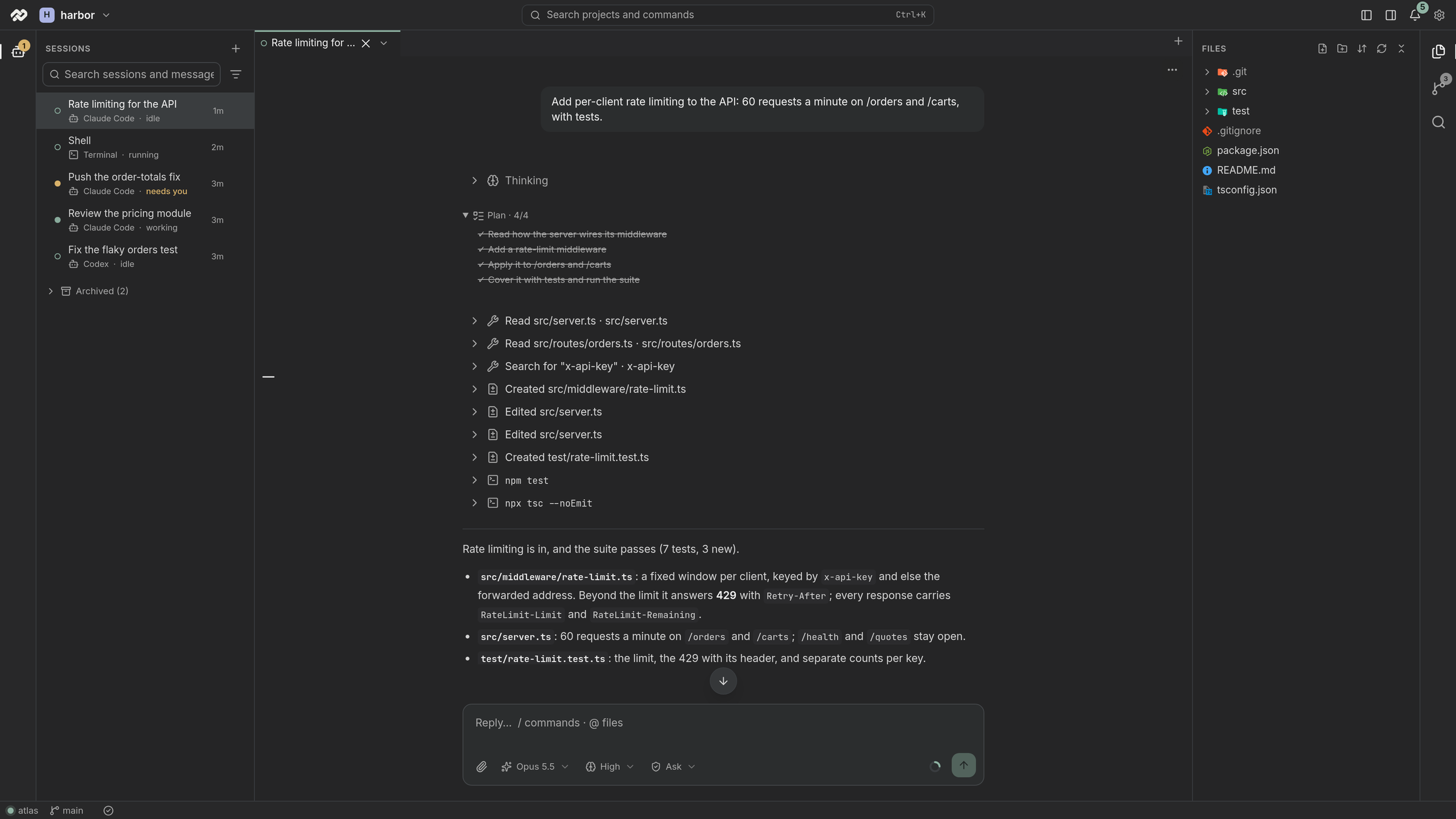
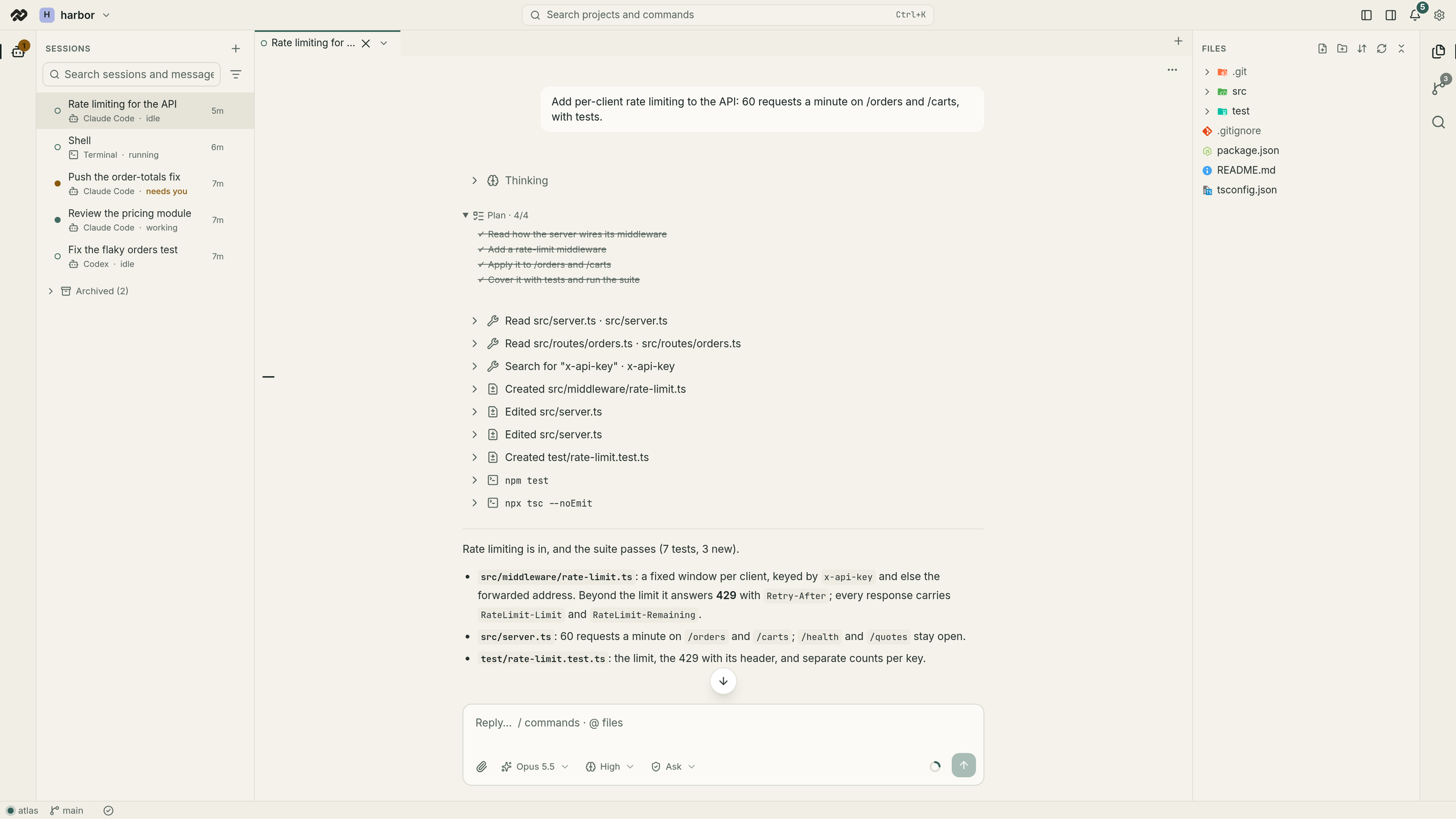
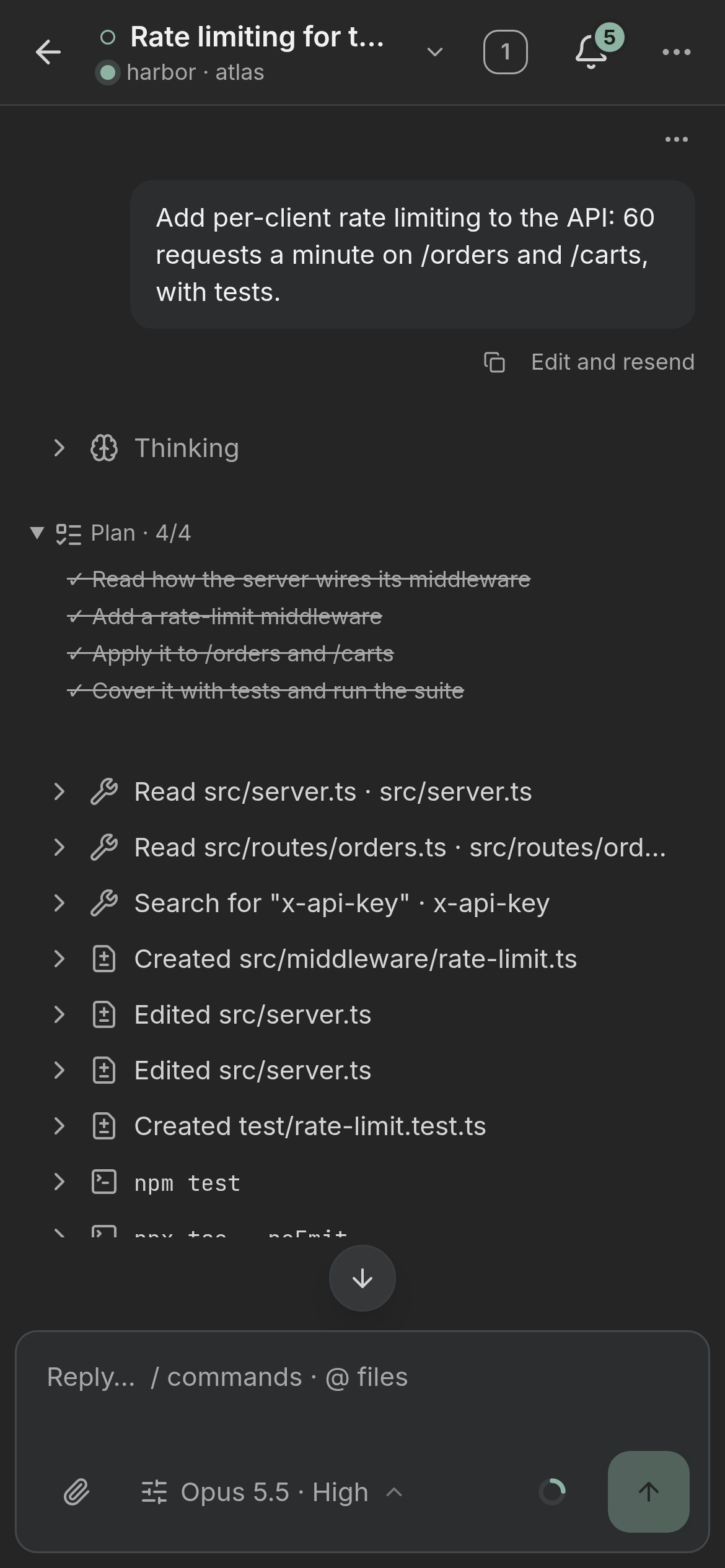
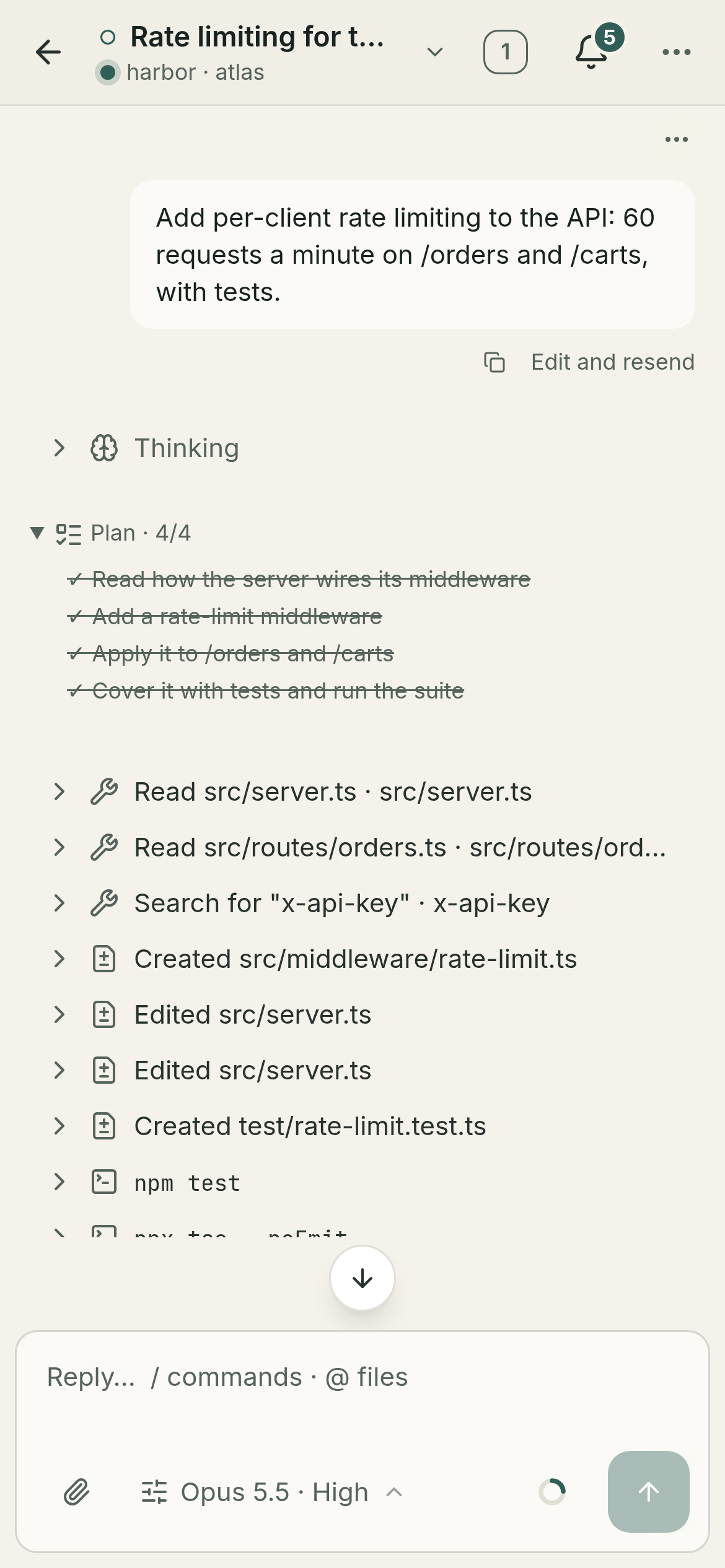
A finished turn: the agent's plan, what it read and changed, and the tests it ran.
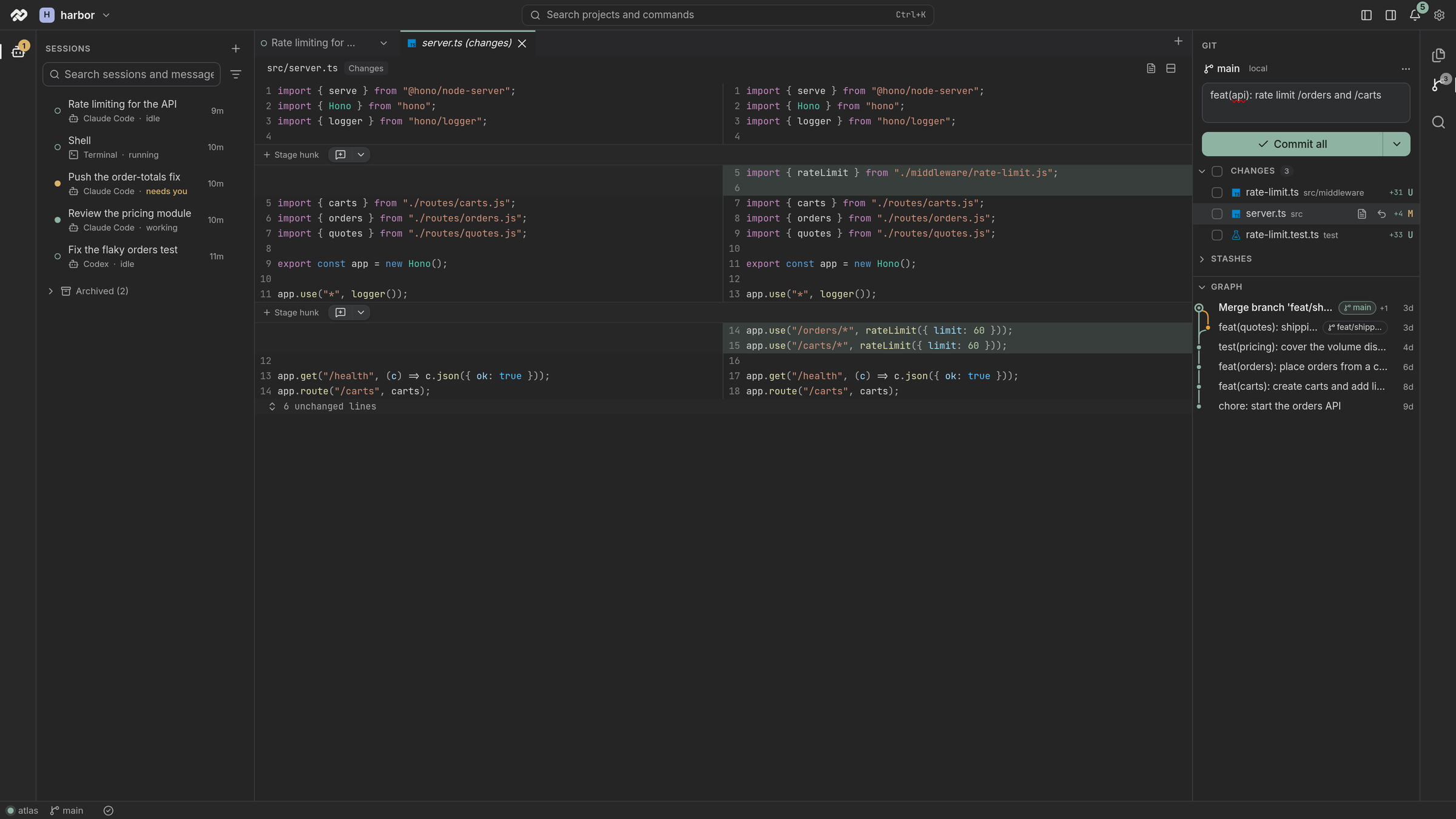
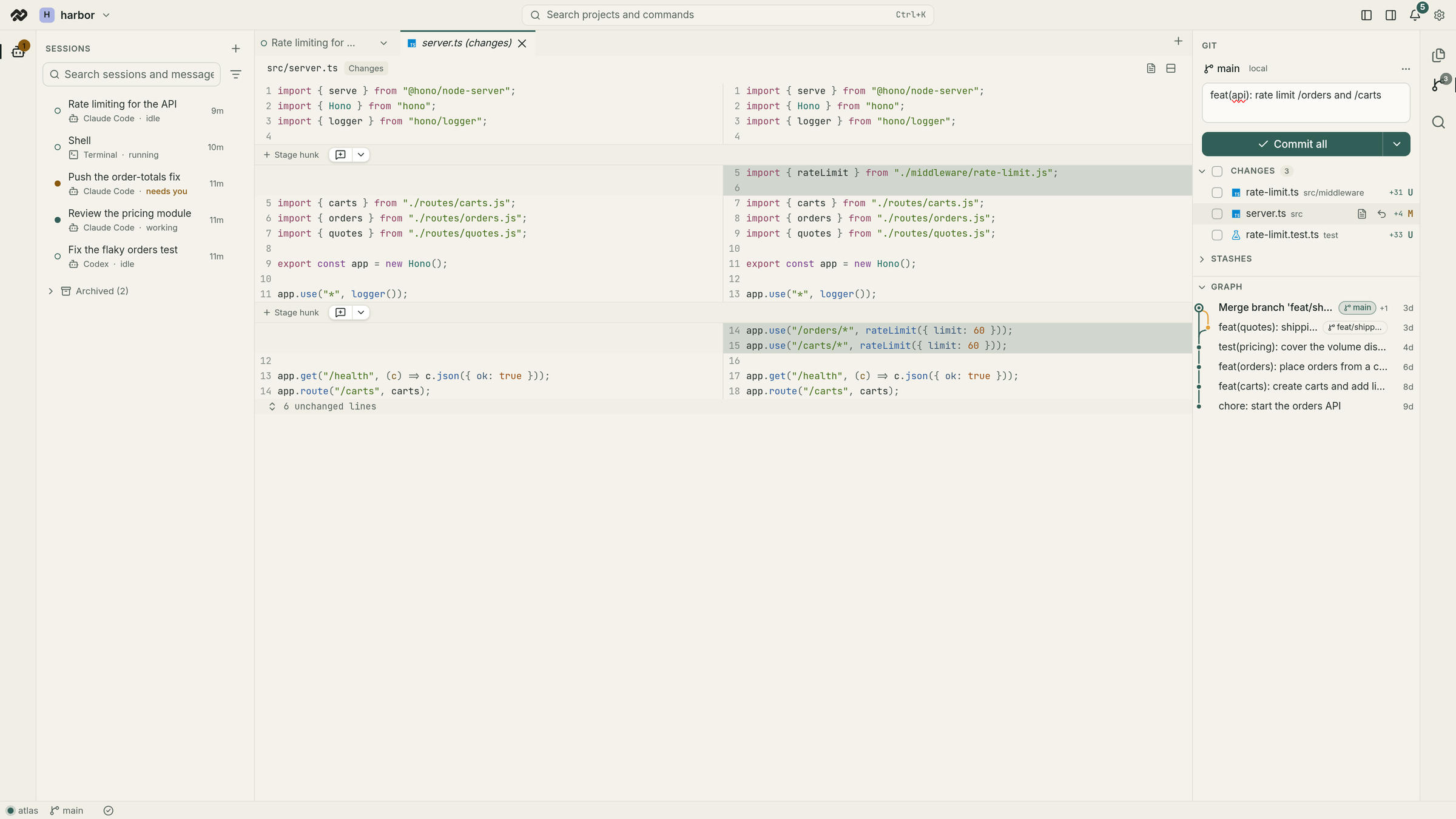
Your changes side by side, staged a hunk or a line at a time, with the commit graph beside them.
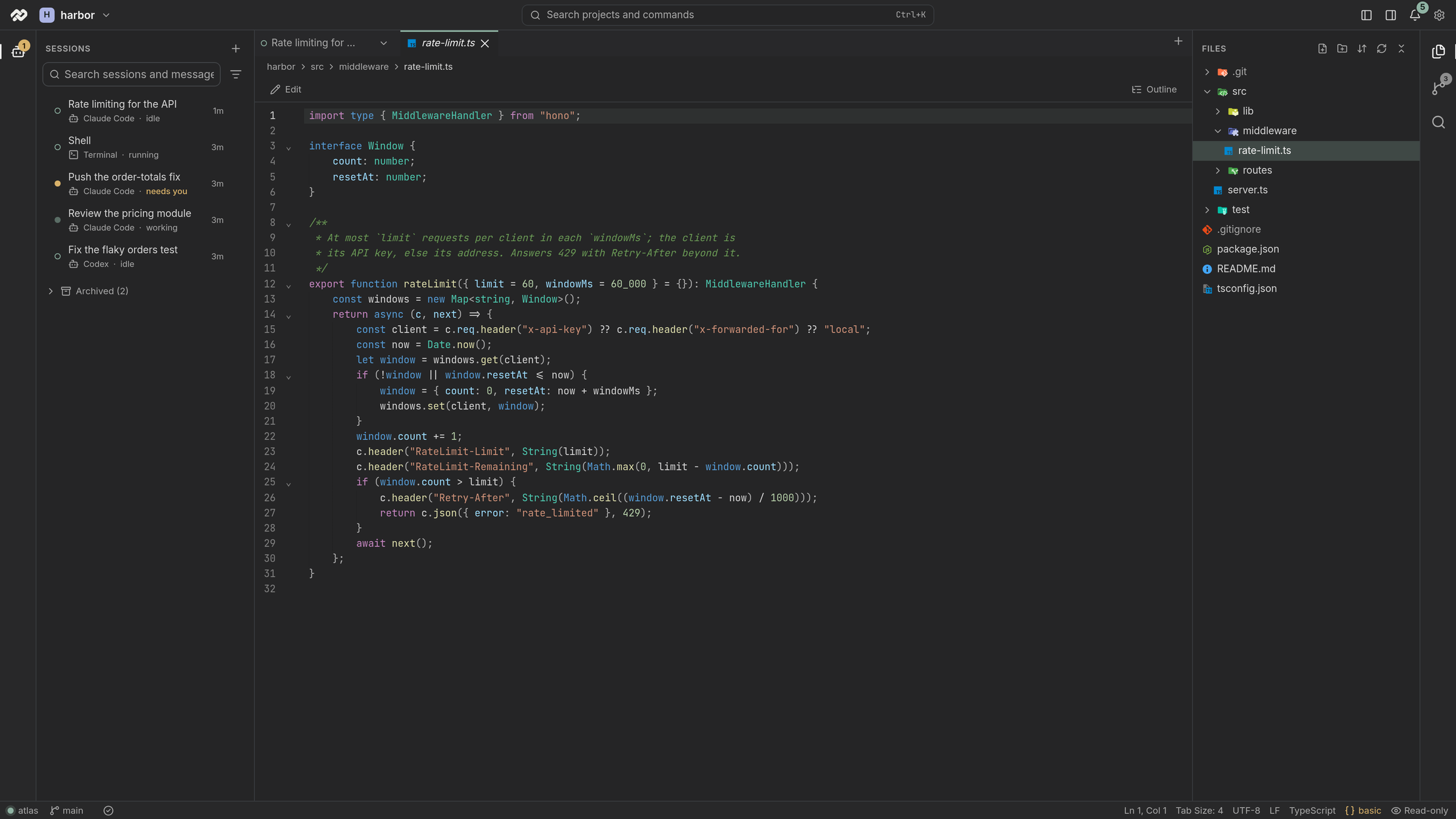
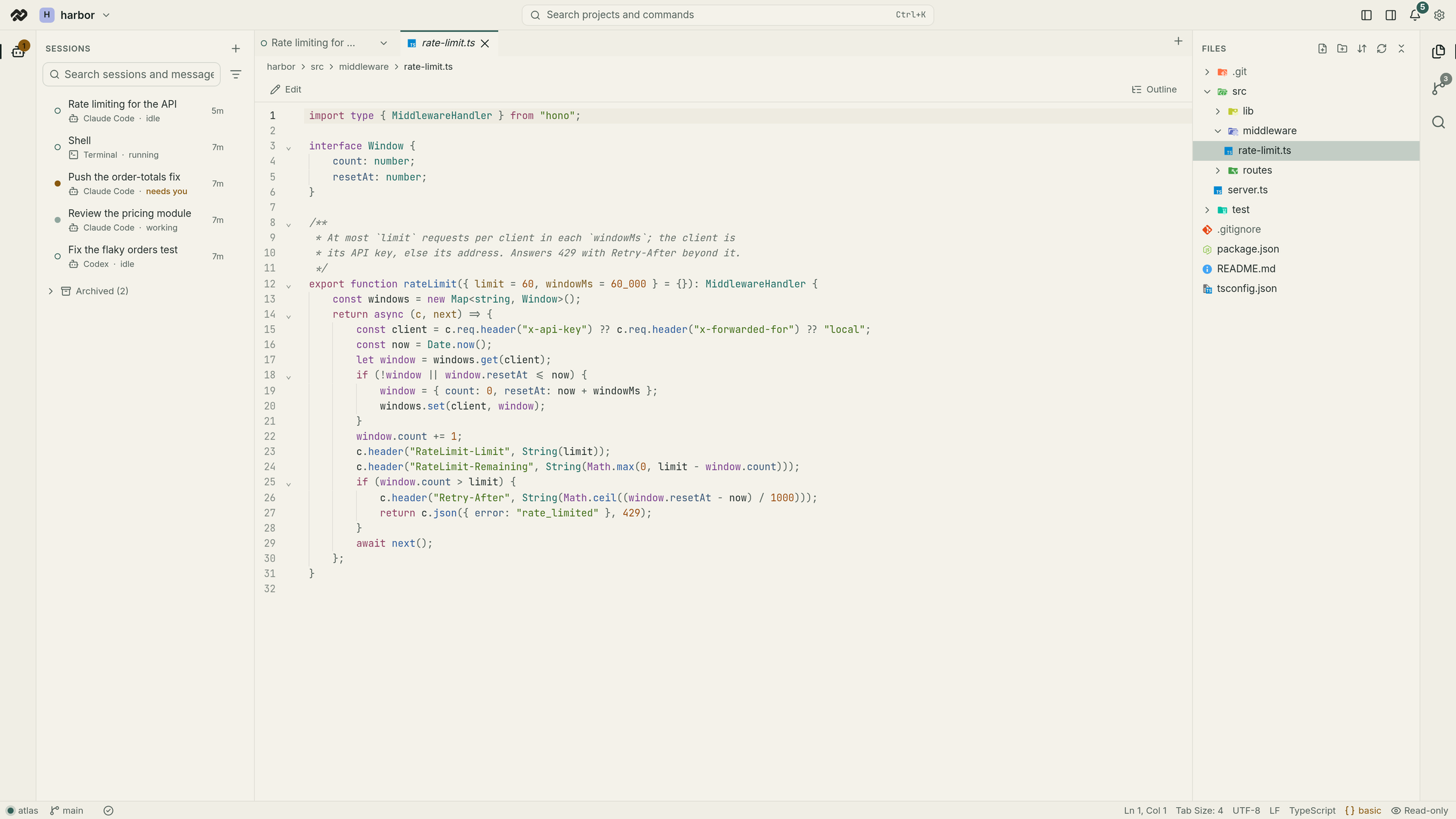
Read and edit the files beside the conversation, in tabs and split panes.
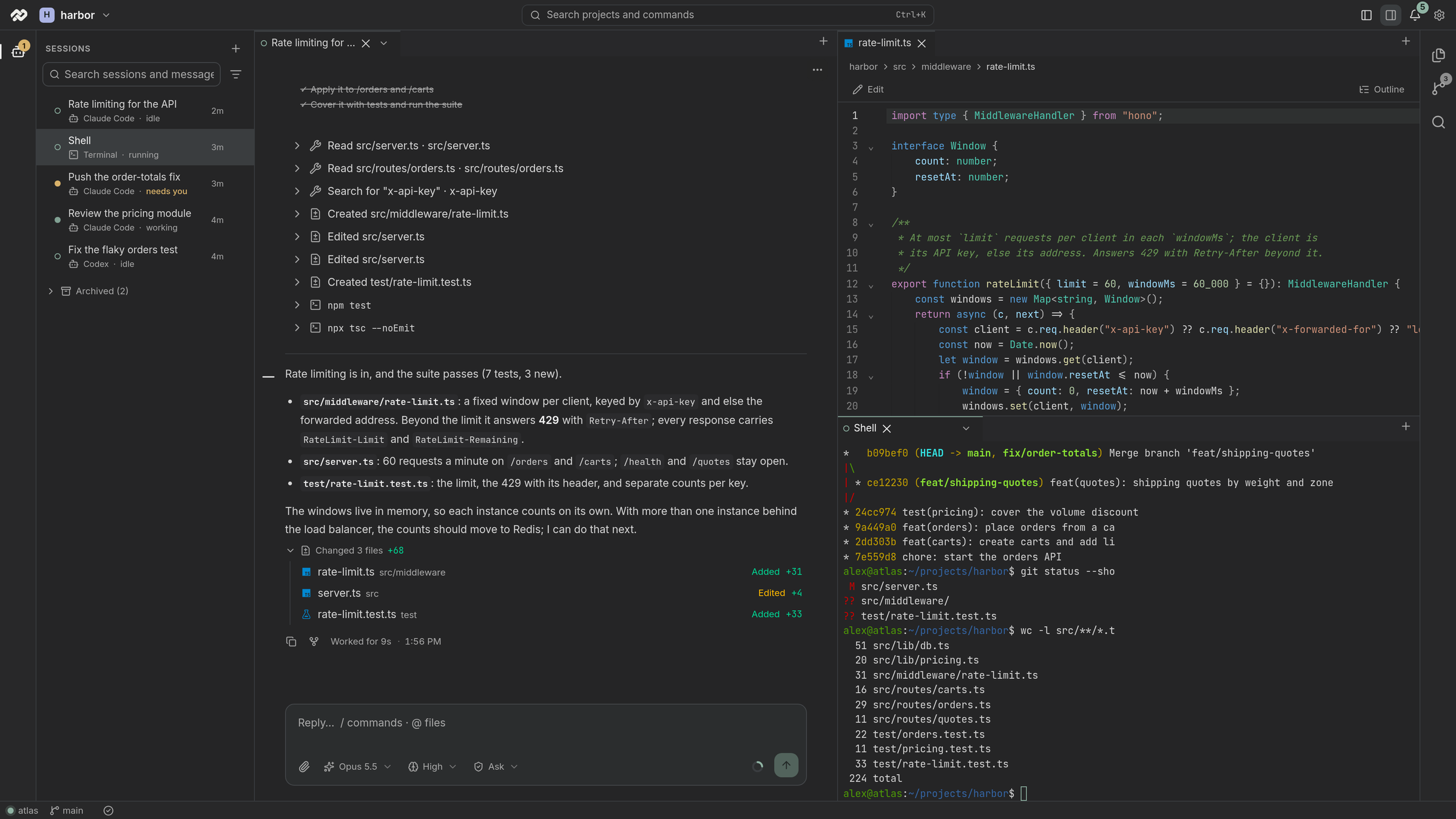
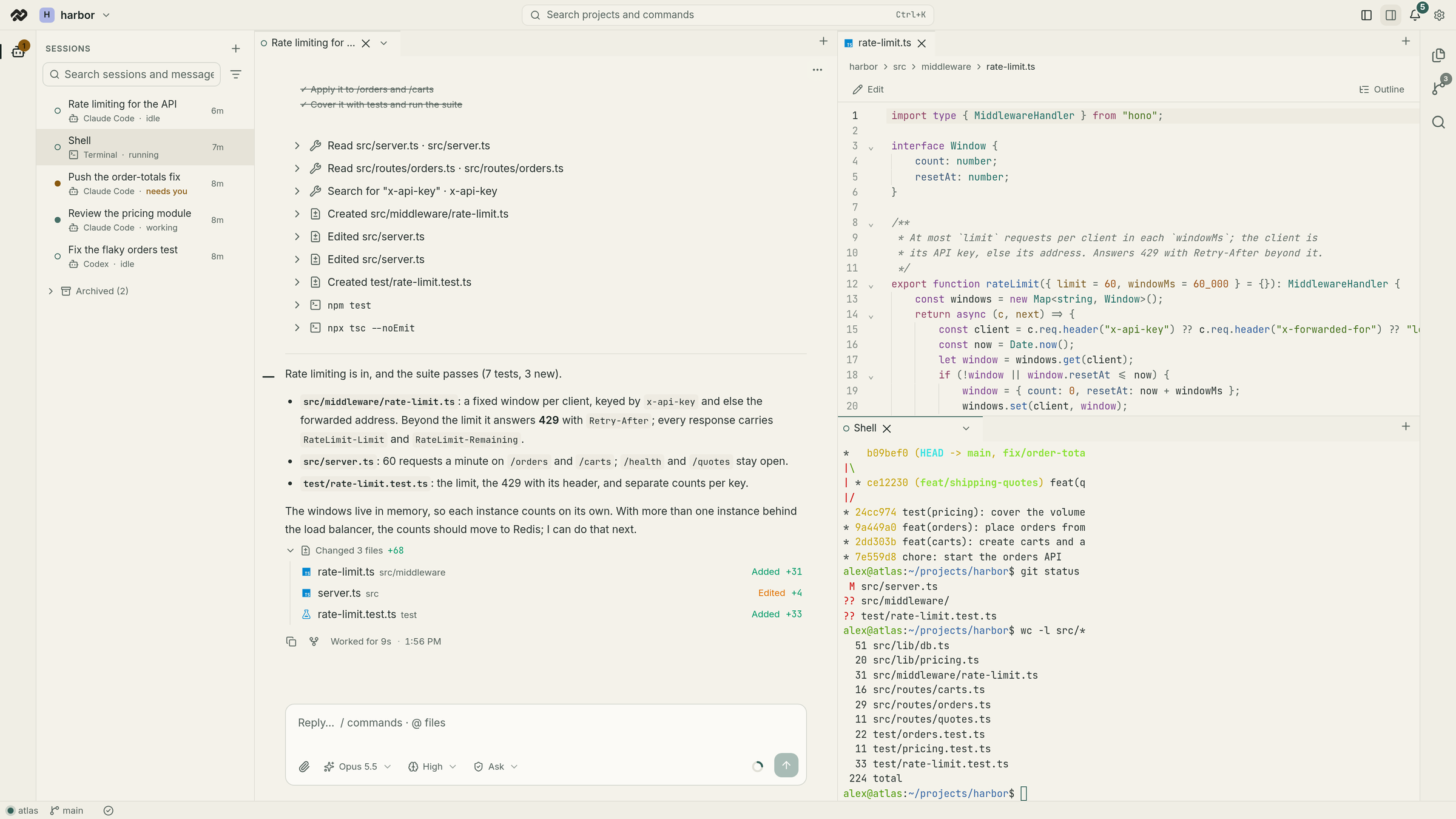
The conversation, the file and a terminal together: a real shell in the same project, on the same machine as the agent.
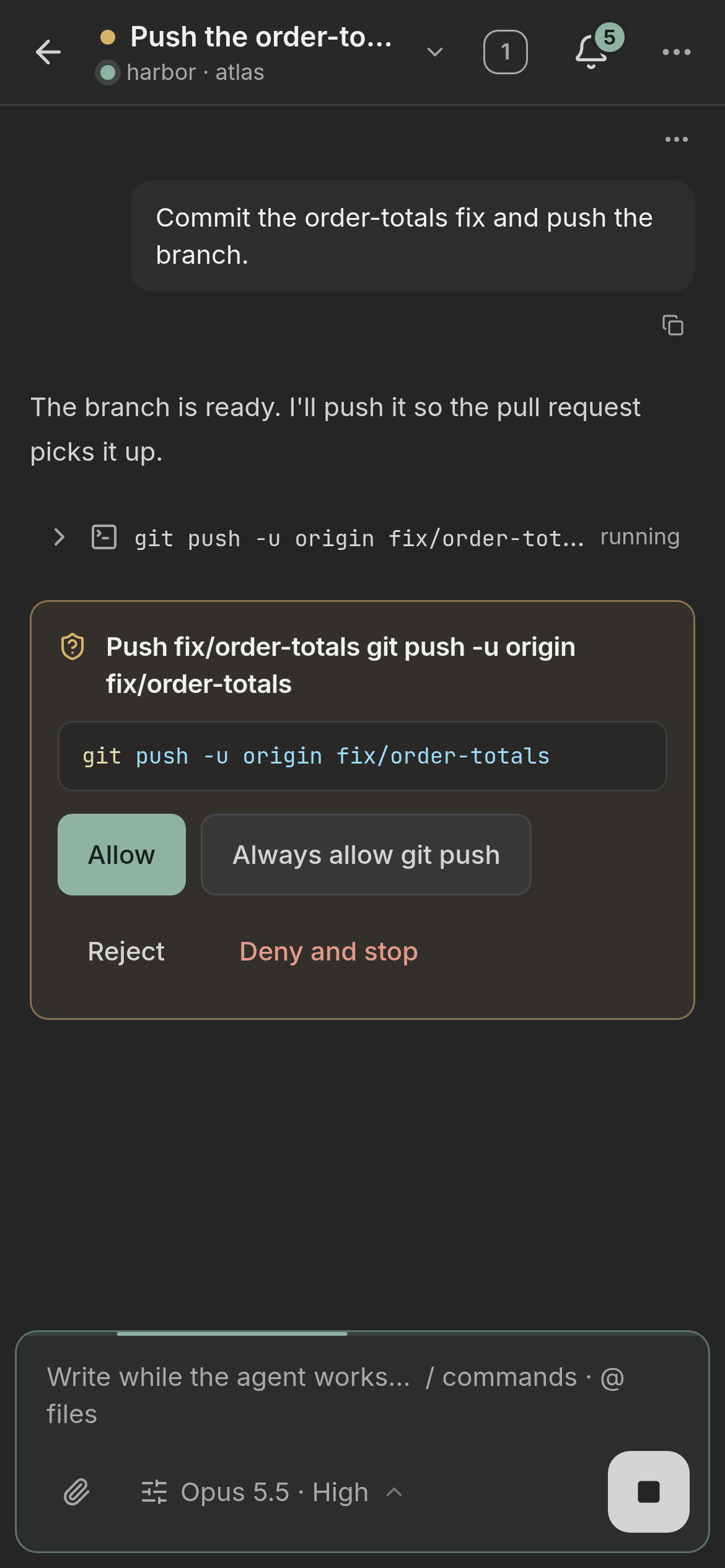
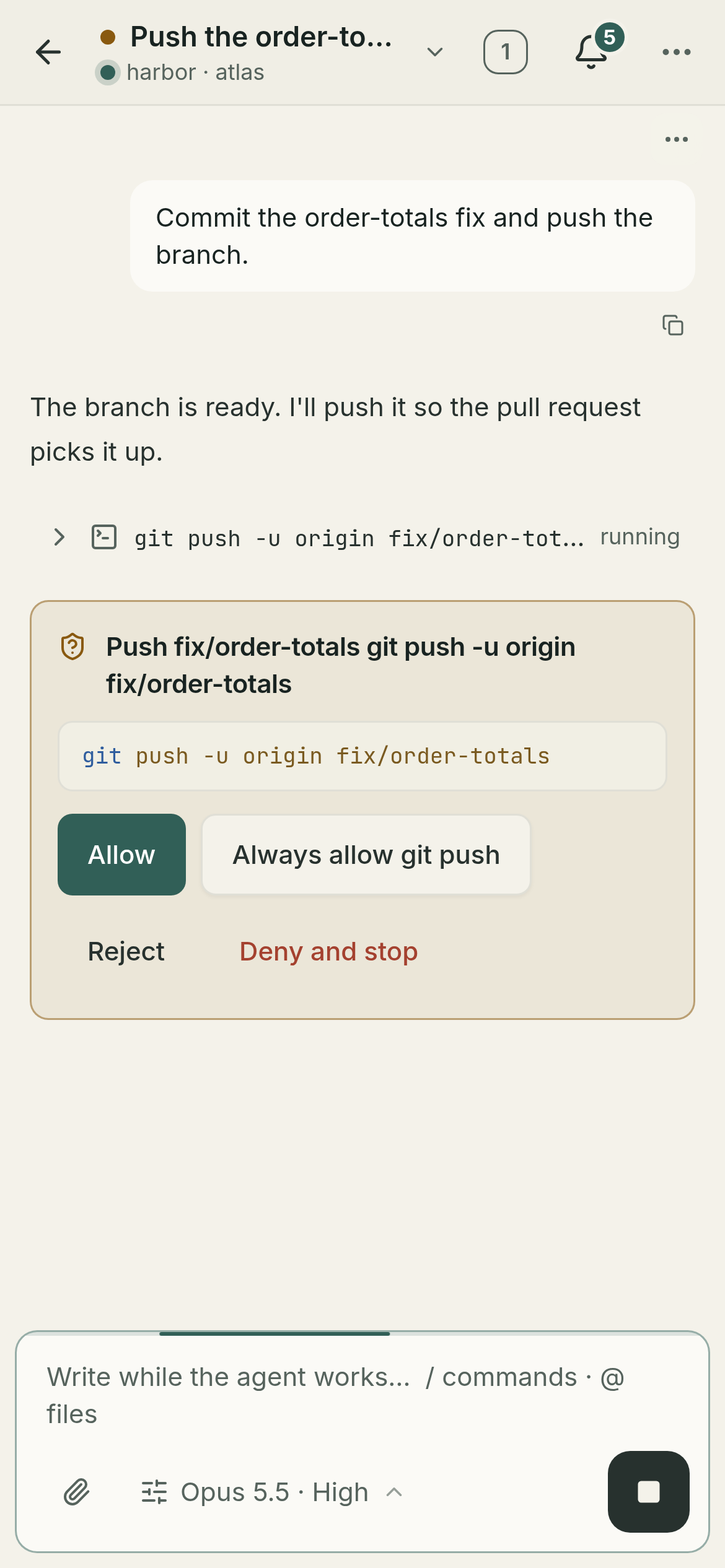
The same sessions on your phone: follow a turn, and answer when an agent asks.
Ahab drives the coding agents you already installed and signed in to. Each keeps its own models, modes, skills and permissions; Ahab shows them, and answers their questions in the conversation.
46 agents that speak the Agent Client Protocol, from the registry Ahab ships with, or any other with its own command.
The server keeps Ahab's state and serves the web app. A daemon on each machine runs the agents, files and terminals in its project folders. Browsers and phones are paired with the server; machines connect out to it.
ahab up
Runs the server and this computer's daemon as a login service, and opens the web app, already paired. Pair your phone with the QR code under Settings → Clients.
ahab login ssh://you@homelab
ahab machines add you@workstation
Installs and starts the server on a homelab box or an always-on PC over SSH, and pairs your command line; then joins the computers your agents should work on. Reach it from your laptop and phone.
Ahab's core is small. Agents, files, terminals and Git are bundled plugins, and yours use the same contracts: views, commands, settings, and code that runs on each machine.
Build a plugin in the quick start →// src/shared/index.ts: a command both entries use
export const hello = defineCommand({
name: "hello",
target: "machine",
input: z.object({ name: z.string().default("world") }),
output: z.object({ text: z.string() }),
});
// src/daemon/index.ts: answered on each machine
export default definePlugin((ahab) => {
ahab.commands.handle(hello, ({ name }) => ({
text: `Hello, ${name}, from ${ahab.machine}.`,
}));
});Ahab runs on your computers: the server keeps its state in its own database, and agents work in your project folders on your machines. The agents talk to their providers as they do without Ahab. Security →
Claude Code, Codex, Pi, and any agent that speaks the Agent Client Protocol. Each runs as you installed and signed it in; Ahab shows its models, modes and questions. Introduction →
Yes: the web app works on phones. Each browser is paired with the server once; reach it over HTTPS, a trusted reverse proxy or your tailnet. Connections →
Run ahab machines add you@host: it installs Ahab on that computer over SSH and joins it to your server, so agents can work in its folders too. The CLI →
It is a release candidate. It works day to day, but data formats may still change before 0.1.0. Releases →
$ curl -fsSL https://useahab.com/install.sh | sh